Enable RSS/JSON Feeds for your Nuxt Content
Published on: Wednesday, November 27, 2024
Introduction
In this blog, we’ll dive into a simple yet powerful way to enable RSS and JSON feeds for your Nuxt Content setup. Content syndication is an essential feature for many websites, allowing readers to stay updated through their preferred feed readers or custom applications. To achieve this seamlessly, we’ll use a convenient, drop-in ready package called nuxt-feedme. This package integrates effortlessly with Nuxt Content, enabling you to generate and customize RSS feeds with minimal effort. Whether you're building a blog, a documentation site, or any content-rich platform, this guide will show you how to add dynamic feed support in no time.
Let's dive right in! 🚀
Easy Setup
Let's first add nuxt-feedme dependency to our project. Use your favorite package manager (I prefer npm)
npm install --save-dev nuxt-feedme
yarn add -D nuxt-feedme
pnpm add -D nuxt-feedme
Then, add nuxt-feedme to the modules section of nuxt.config.ts
export default defineNuxtConfig({
    //... Other Configs
    modules: [
        // After nuxt content
        '@nuxt/content',
        'nuxt-feedme'
    ]
})
And that's it. You are all set with your RSS/JSON feeds.
Results
Simply navigate to your baseUrl/feed.json and/or baseUrl/feed.xml to check the results.
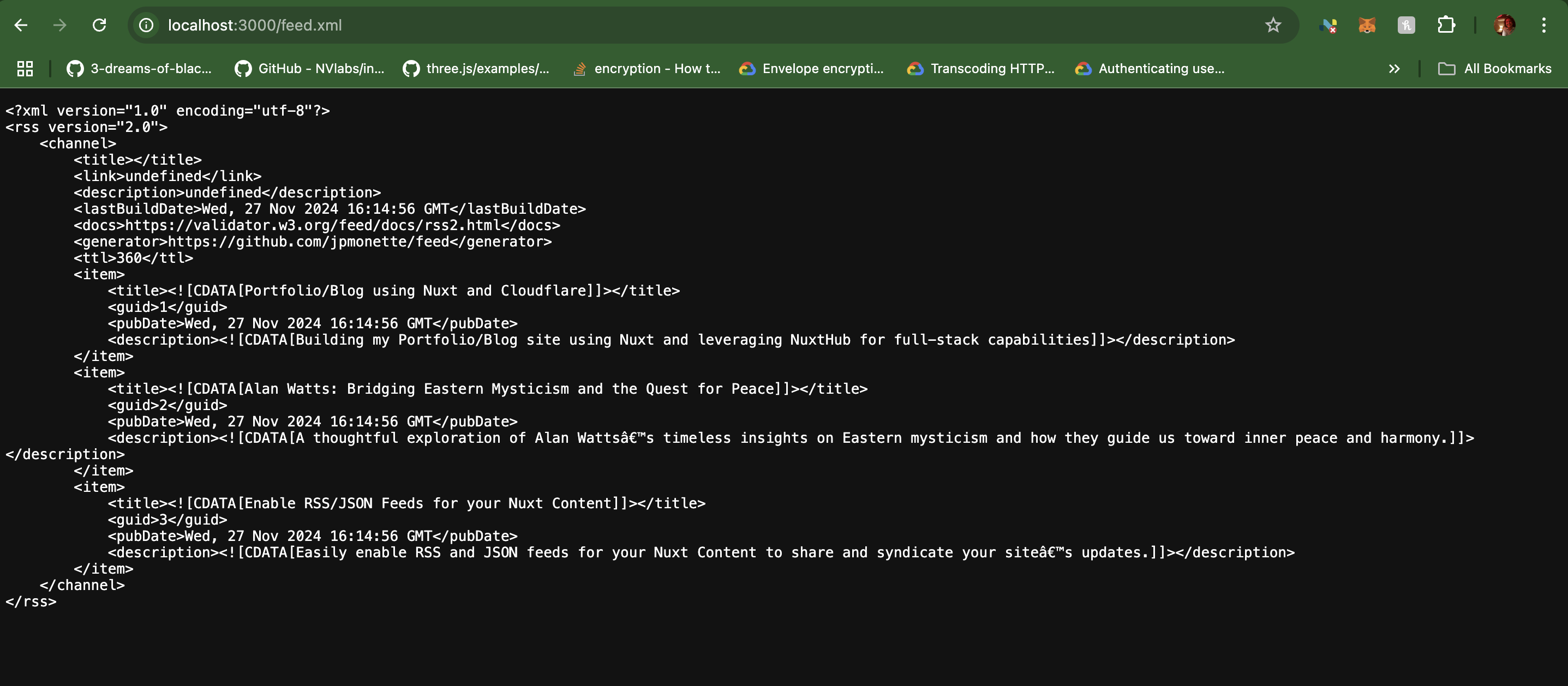
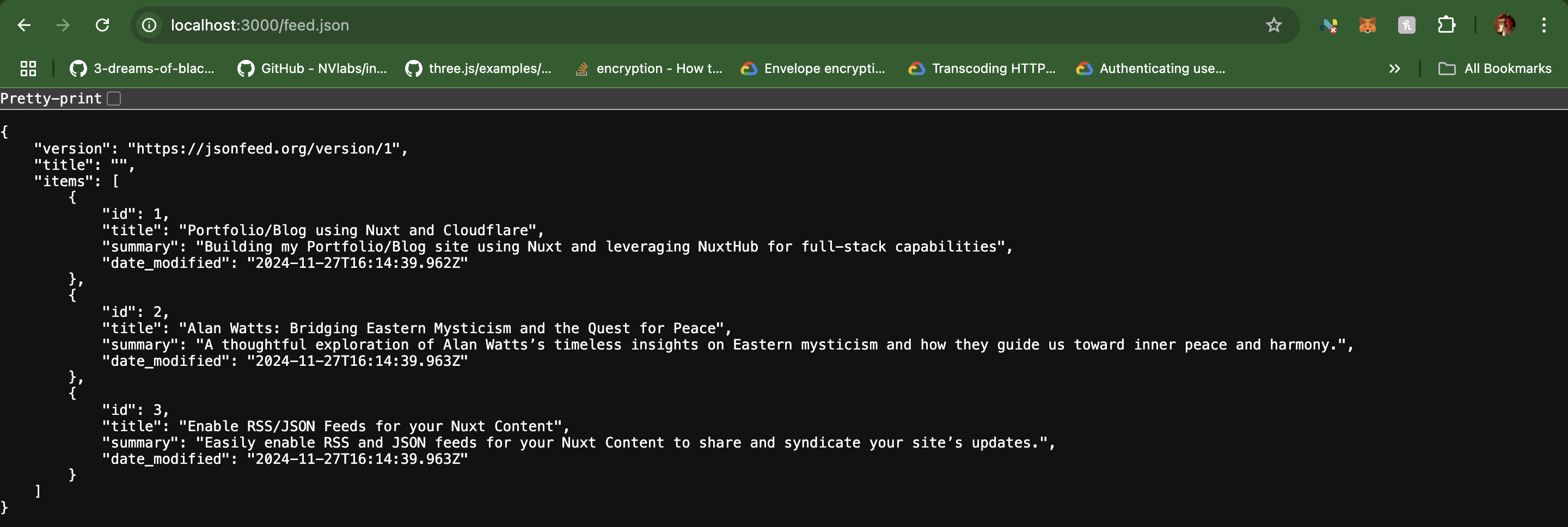
Congratulations! You now have a fully functional RSS/JSON feed for your Nuxt Content.
Conclusion
Probably the easiest blog I have written. I got this working a few minutes ago, and I thought I ought to share it. Happy blogging with your own RSS/JSON based feeds.